
Post your app's events to Discord with a webhook.
Give your own application, game backend or build pipeline a private SourcePing address. Send a small JSON event and SourcePing formats it and posts it to the Discord channels you choose, with the same routing, pings and schedules as every other monitor.

One request from your app, one clear post in Discord.
Each custom webhook gets its own private address and secret. Your application sends a JSON event with a name, a title, and optionally a description, a link, an image and up to 10 fields. SourcePing checks it and posts it straight away.
Shape the announcement with a title and description template using placeholders like {title}, {url} or {fields.version}. Nothing in a payload is ever run, and mentions in it are neutralised, so a request can't ping @everyone.
Requests are authenticated with a Bearer secret or an HMAC signature with a timestamp, and you can require signatures. Send an id or an Idempotency-Key header and a retried request is only posted once. Rotating the secret revokes the old one immediately.
Connect your app in four steps.
Add the bot to your server, create a custom webhook, and send your first event.
- 01
Create a webhook
SourcePing gives you a private address and a secret for this monitor.
/hooks/…whsec_… - 02
Send an event
POST a JSON event with a name and title from your app, script or pipeline.
build.published - 03
Shape the message
Use a title and description template with placeholders from your event.
{title}{fields.version} - 04
Choose channels and pings
Route events to the right channel and ping the role that needs them.
#deploys@Testers
Your events, posted safely.
For developers, game studios and communities with their own tools who want them in Discord.
Private endpoint per monitor
Each webhook has its own address and secret and can only reach the channels you route it to.
Signed requests
Bearer secret or HMAC signature with a timestamp, and you can require signatures.
Templates
Fill the title and description with placeholders from your event. Nothing is ever executed.
Fields, links and images
Up to 10 fields, an https link and an image, shown in the announcement.
Event filters
Only post the event names you choose, and route them like any other monitor.
Safe retries
Send an id or Idempotency-Key and a retried request is posted once.
Create a webhook in a few clicks.
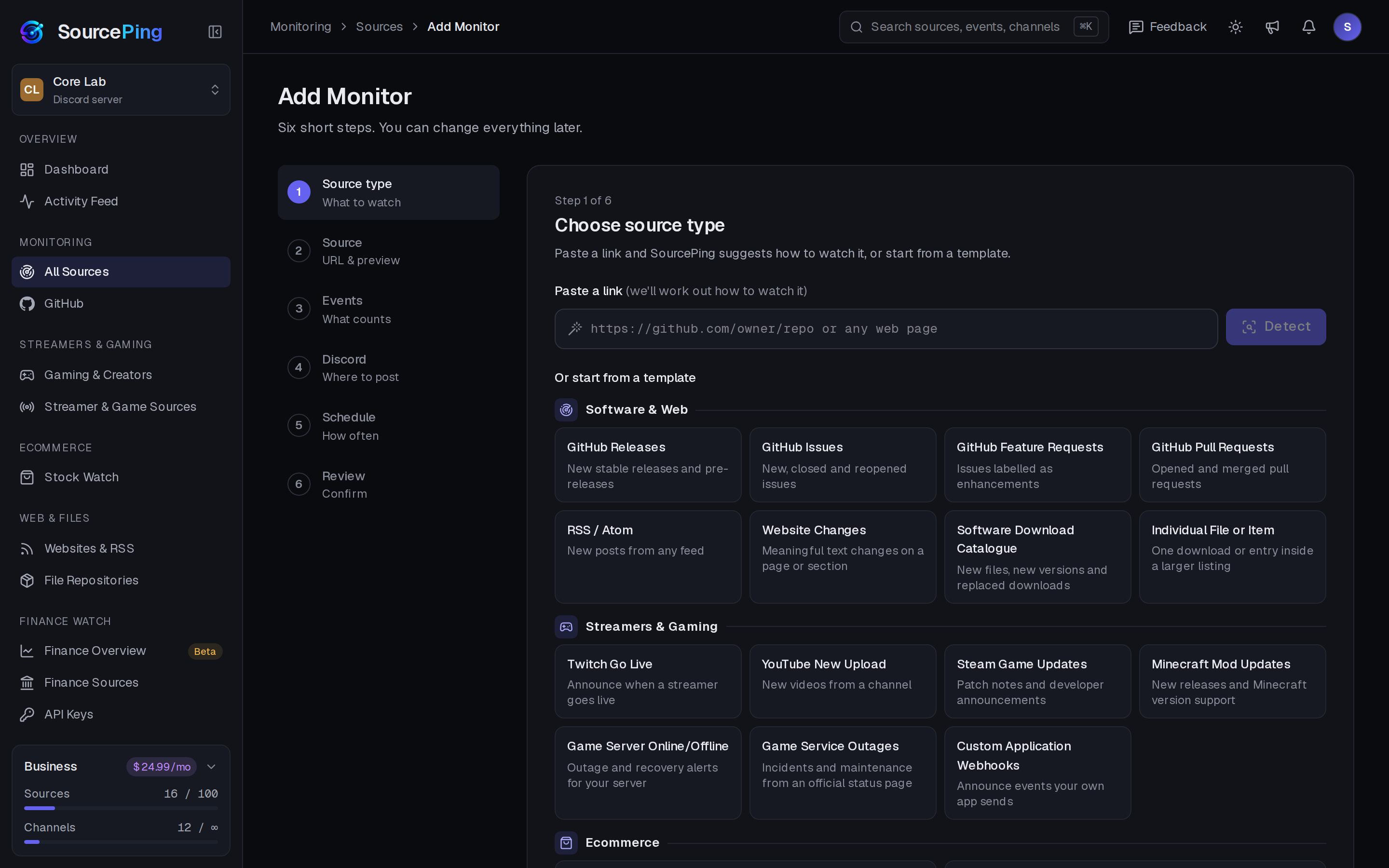
Pick Custom Webhook, name it, choose channels and copy the address and secret.
What does a webhook request look like?
A POST with a JSON body containing an event name and a title. Description, url, image, id and up to 10 fields are optional. Links must use https.
How are requests authenticated?
With an Authorization: Bearer header using your secret, or with a timestamp and an HMAC-SHA256 signature of the request. You can require signed requests, and signed requests can only be used once.
Are there limits?
Each webhook accepts up to 30 requests a minute and 1,000 a day, with a 16 KB body. Repeated failed attempts from one address are rate limited.
Which plan do I need?
Custom webhooks are part of Business ($24.99 USD a month per Discord server), which includes 10 webhooks.
Is this the same as a Discord webhook?
No. Your app sends a simple event to SourcePing, and SourcePing turns it into a formatted announcement with routing, role pings, quiet hours and digests, without sharing a Discord webhook URL with your app.
What permissions does the bot need in Discord?
View Channels, Send Messages, Embed Links and Read Message History in the channels you choose. It never reads what your members write.
Bring your own tools into Discord.
Add SourcePing to your server and send your first custom event in a few minutes.