
Patreon post notifications for Discord.
Connect your Patreon page and SourcePing announces each new post in the Discord channel you choose as soon as you publish it, with the title and a link back to Patreon.

Your community hears about every post, your paid content stays on Patreon.
Connect your Patreon page from the dashboard and SourcePing sets up a notification on your own campaign. When you publish a post, Patreon tells SourcePing straight away and the announcement is posted to your channel, usually within a minute.
Public posts and patron-only posts are separate choices, so they can go to different channels or ping different roles. A patron-only post is announced with its title and a link, never its content, so nothing behind your paywall reaches Discord.
It works with your own Patreon page only: Patreon only gives access to a page its creator connects. Disconnect at any time from the dashboard and the notification is removed from your campaign.
Set up Patreon post alerts in four steps.
Add the bot to your server, then connect your Patreon page and pick where posts go.
- 01
Connect your Patreon
Sign in to Patreon and allow SourcePing to see your page and its new posts.
patreon.com/yourpage - 02
Pick post types
Public posts, patron-only posts, or both.
publicpatrons - 03
Choose channels and pings
Post where your community reads and ping the role that wants to know.
#announcements@Patrons - 04
Publish as usual
Write your post on Patreon. The announcement follows on its own.
instant
Everything a new post announcement needs.
Built for creators who want their Discord to hear about every post without copying links by hand.
Posted as you publish
Patreon notifies SourcePing the moment a post goes live, so there is no waiting for the next check.
Paid content stays private
Patron-only posts are announced with the title and a link only. The content is never read or shared.
Public and patron posts apart
Send public posts and patron-only posts to different channels, or announce only one kind.
Role pings
Ping a role like @Patrons so the people who support you see each new post.
Announced once
If Patreon sends the same post twice, it is still announced only once.
Disconnect any time
Disconnecting removes the notification from your Patreon campaign and stops new announcements.
Connect your page in a few clicks.
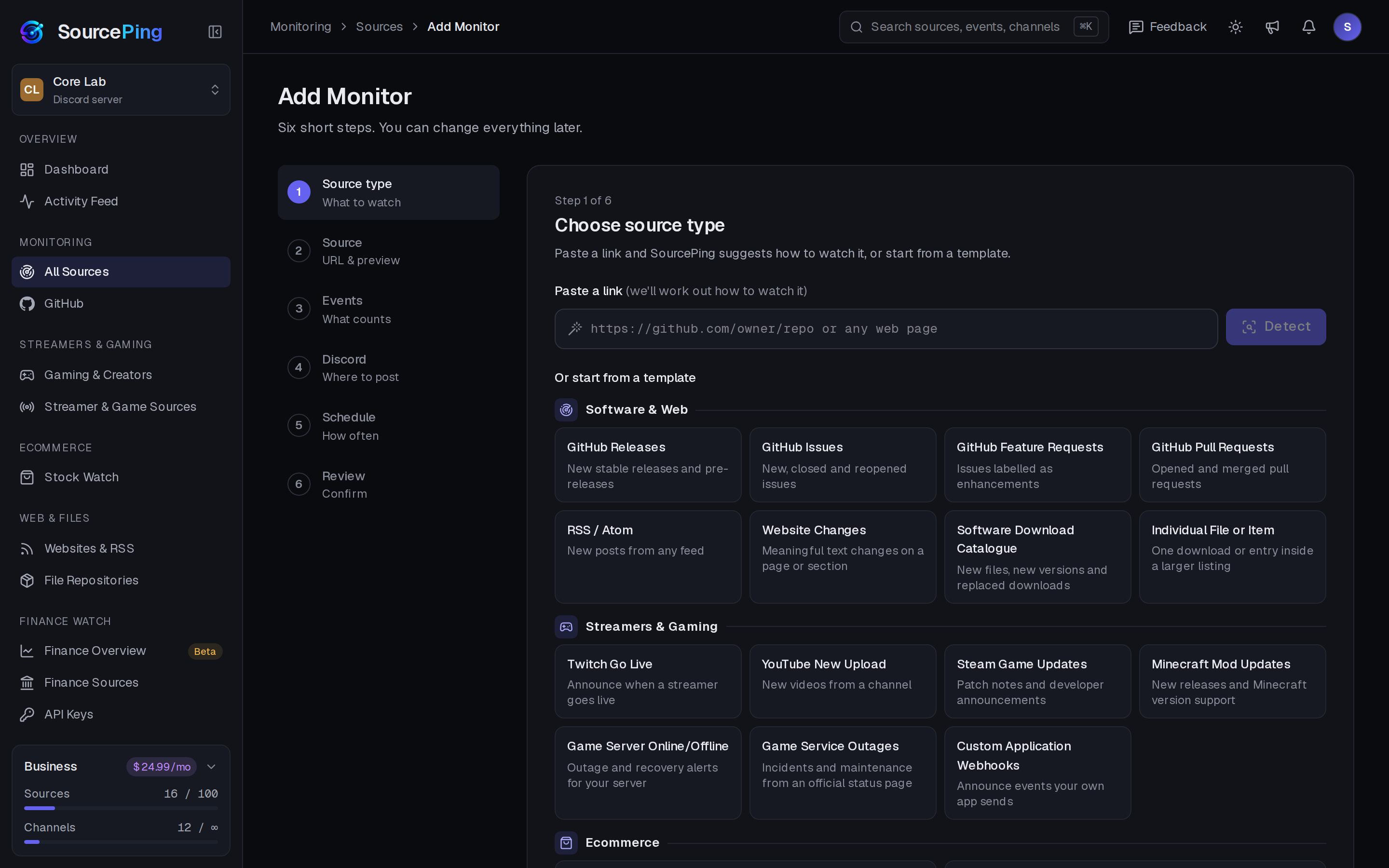
Pick Patreon Posts in Add Monitor, connect your Patreon page, choose what to announce and where. You can change everything later.
How do I post Patreon updates in Discord automatically?
Add SourcePing to your server, choose Patreon Posts in Add Monitor, connect your Patreon page and pick a channel. Your next post is announced as soon as you publish it.
Can I follow someone else's Patreon?
No. Patreon only gives access to a page its creator connects, so this is for announcing your own posts in your own server.
Does it share my paid content?
No. SourcePing only uses a post's title, link, publish time and whether it is public. Patron-only posts link back to Patreon, where your patrons sign in to read them.
Will my old posts be announced?
No. Only posts you publish after connecting are announced.
How much does it cost?
Twitch and YouTube alerts are included in the Free plan. The rest of Gaming & Creators is included in Pro ($5.99 USD a month) and Business ($24.99 USD a month) at no extra cost, billed per server through Whop. Every Discord server starts with 14 days of Pro, then drops to the Free plan unless you upgrade. No card needed.
What permissions does the bot need in Discord?
View Channels, Send Messages, Embed Links and Read Message History in the channels you choose. It never reads what your members write.
Your next post deserves an audience.
Add SourcePing to your server and connect your Patreon page in under two minutes.