
Earnings calendar alerts for Discord.
Keep your community up to date on results dates and investor events. SourcePing reads a company's investor events calendar and posts new events, date changes and a reminder about 24 hours before each one.
Factual alerts only, not financial advice.

Results dates, without checking the investor site.
Many investor relations sites publish their events as a calendar feed (an .ics or webcal address). Paste it into SourcePing and each new earnings date, results call, webcast or shareholder meeting is posted to the channel you choose.
If an event moves, SourcePing posts the new time with the previous one, and about 24 hours before each event it posts a reminder. Times are shown in each reader's own time zone in Discord.
Pair it with SEC filing alerts and the company's investor news feed to follow results day from the date announcement to the filing itself.
Set up investor event alerts in four steps.
Add the bot to your server, then paste the company's investor calendar address.
- 01
Add the calendar
Paste the company's investor events calendar address (.ics or webcal).
investor.example.com/events.ics - 02
Pick events
New events, date changes and reminders before each event.
scheduleddate changes - 03
Choose channels and pings
Post events where your community looks and ping a role for results days.
#investor-events@Results - 04
Get reminders
A reminder is posted about 24 hours before each event.
24 h before
Every results date, on time.
For communities that follow a company's results, calls and meetings.
New events
Earnings dates, results calls, webcasts and shareholder meetings as soon as they appear in the calendar.
Date changes
When an event moves, the new time is posted with the previous one.
Reminders
A reminder about 24 hours before each event.
Local times
Event times appear in each reader's own time zone in Discord.
Investor news too
Follow the company's investor relations news feed for its press releases and announcements.
SEC filings too
Add SEC filing alerts to see the filing itself on results day.
Upcoming events at a glance.
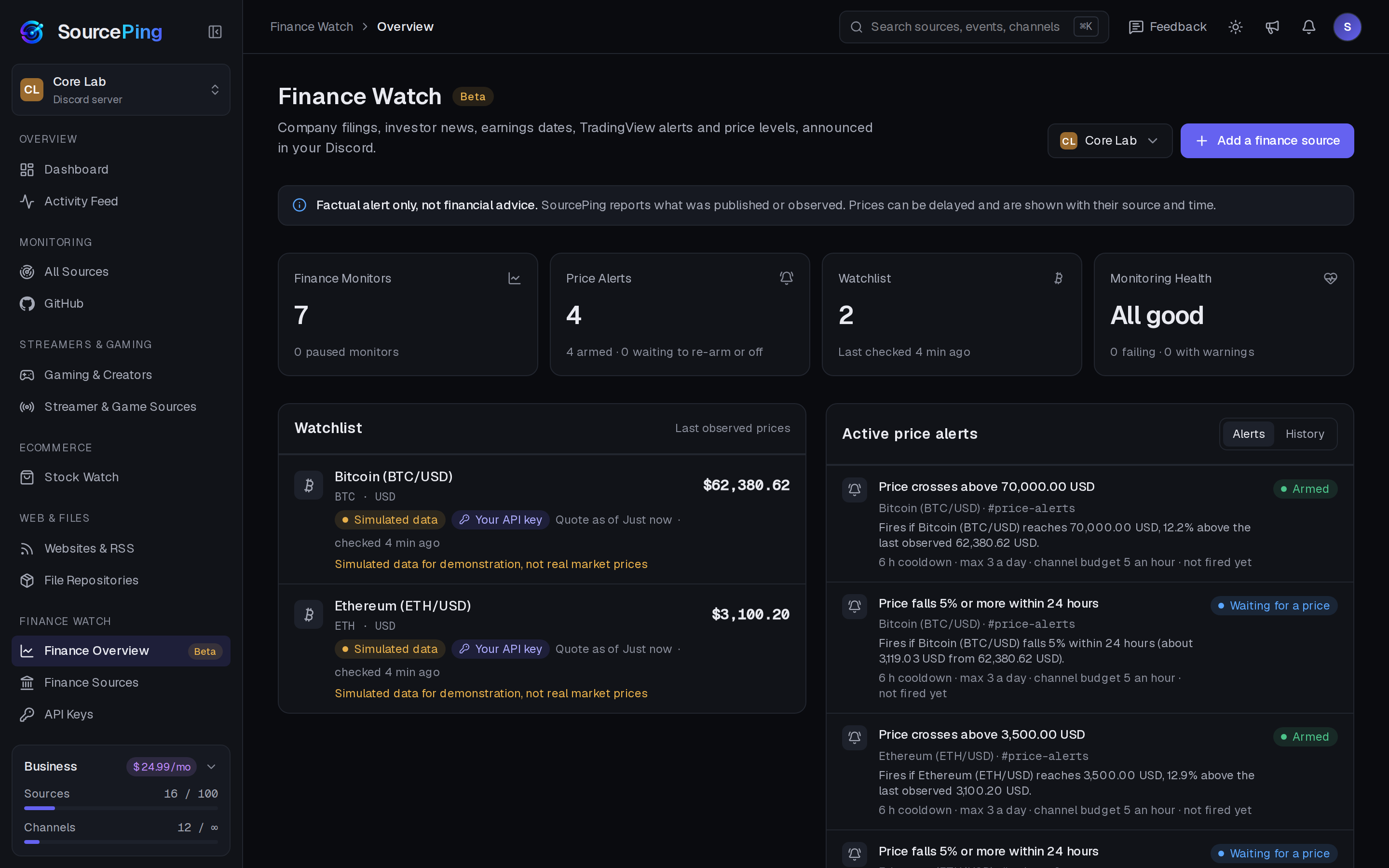
The Finance Watch overview lists upcoming investor events next to the latest filings and announcements.
Where do I find a company's investor calendar?
Many investor relations sites offer an add to calendar or iCalendar (.ics) link on their events page. Paste that address into SourcePing.
Can it remind people before an event?
Yes. SourcePing posts a reminder about 24 hours before each event, as well as new events and date changes.
Are repeating events supported?
Only the first date of a repeating event is used.
Is this financial advice?
No. Finance Watch posts factual alerts only, not financial advice. Announcements state what happened and link to the source.
How much does it cost?
Finance Watch is in Beta and included in Pro ($5.99 USD a month) and Business ($24.99 USD a month) at no extra cost, billed per server through Whop. Every Discord server starts with 14 days of Pro, then drops to the Free plan unless you upgrade. No card needed.
What permissions does the bot need in Discord?
View Channels, Send Messages, Embed Links and Read Message History in the channels you choose. It never reads what your members write.
Never miss a results date.
Add SourcePing to your server and follow your first investor calendar in under two minutes.