
Steam patch notes, posted to Discord.
SourcePing follows any Steam game and posts its patch notes and developer announcements to the Discord channel you choose, with the highlights, the game's artwork and a link to the full post.

Your players hear about the patch before they launch the game.
Paste a Steam store link or App ID and SourcePing reads the game's official news through Steam's own news API, every 30 minutes by default. When the developer posts patch notes or an announcement, it is posted to your channel with the highlights listed and a link to the full update.
Patch notes and other developer announcements are separate choices, so updates can go to one channel and events or roadmaps to another. News from other sites that Steam lists for the game can be added too.
Steam only shows updates the developer posts as news. A patch shipped without a post can't be detected by any bot, so SourcePing never guesses.
Set up Steam update alerts in four steps.
Add the bot to your server, then pick the game and where its updates should go.
- 01
Add the game
Paste the Steam store link or the App ID. No Steam account or API key needed.
store.steampowered.com/app/730 - 02
Pick update types
Patch notes, developer announcements, and optionally news from other sites.
patch notesannouncements - 03
Choose channels and pings
Send updates to the channel your players read and ping a role for the big ones.
#game-updates@Players - 04
Set the schedule
Post each update as soon as it is found, or collect them into a daily digest.
instantdaily digest
Everything a patch announcement needs.
Built for game communities, clans and studios that want their players to know what changed.
Patch notes and announcements
The developer's patch notes and official announcements, each as its own choice, so you post only what you want.
Highlights in the message
The main points of the update are listed in the announcement, with a link to the full post on Steam.
The game's artwork
Each announcement carries the game's name and store artwork, so it stands out in a busy channel.
No old news
Posts from before you started following the game are never announced, even if they reappear in the feed.
Role pings
Ping a role for the updates that matter and leave the rest quiet.
Many games, many channels
Follow several games and send each one, and each kind of post, to its own channel.
Add a Steam game in a few clicks.
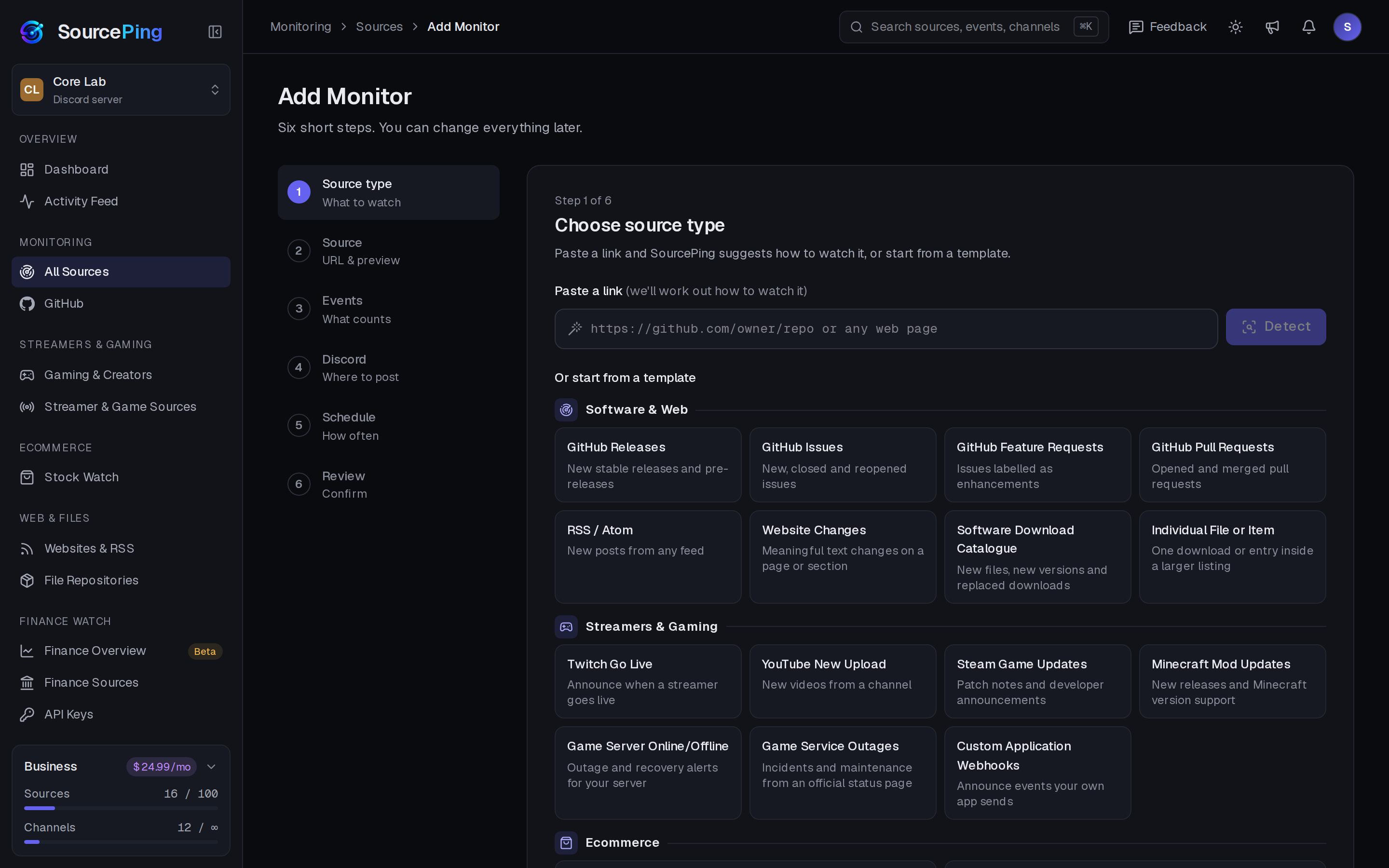
Pick Steam Game Watch, paste the store link, choose what to announce and where. You can change everything later.
How do I post Steam patch notes in Discord?
Add SourcePing to your server, choose Steam Game Watch in Add Monitor, paste the store link and pick a channel. New patch notes are posted from then on.
Why wasn't a patch announced?
Steam only shows updates the developer posts as news. A patch shipped without a post can't be detected by any bot.
How often is Steam checked?
Every 30 minutes by default, using Steam's official news API. Only posts published after you add the game are announced.
Does it need a Steam account or API key?
No. SourcePing reads the game's public news, so there is nothing to log in to or install.
How much does it cost?
Twitch and YouTube alerts are included in the Free plan. The rest of Gaming & Creators is included in Pro ($5.99 USD a month) and Business ($24.99 USD a month) at no extra cost, billed per server through Whop. Every Discord server starts with 14 days of Pro, then drops to the Free plan unless you upgrade. No card needed.
What permissions does the bot need in Discord?
View Channels, Send Messages, Embed Links and Read Message History in the channels you choose. It never reads what your members write.
Never miss a patch again.
Add SourcePing to your server and post your first Steam update in under two minutes.