
Game service outage alerts for Discord.
When a game or platform your community uses goes down, SourcePing posts the incident to your Discord channel straight from the official status page, follows each update, and tells everyone when it's resolved.

Answer "is it down?" before anyone asks.
Paste the address of a status page built on Atlassian Statuspage, the format many gaming and platform services use, like discordstatus.com, status.epicgames.com and githubstatus.com. SourcePing reads the page's public API for incidents, scheduled maintenance and component status.
New incidents, each update the provider posts and the resolution are announced, along with planned maintenance. Every update is posted once, and incidents that started long before you added the page are never announced as news.
Only care about part of a service? Filter by component, like Matchmaking or EU game servers, and you can also hear when a single component changes status.
Set up outage alerts in four steps.
Add the bot to your server, then paste the service's status page.
- 01
Paste the status page
The address of a Statuspage-compatible status page.
discordstatus.com - 02
Pick events
New incidents, updates, resolved, scheduled maintenance, maintenance progress and component status.
incidentsmaintenance - 03
Filter by component
Only post incidents that affect the parts of the service you use.
MatchmakingEU servers - 04
Choose channels and pings
Post where players look first and ping your moderators for major incidents.
#service-status@Moderators
Outage alerts from the official source.
For gaming communities, clans and support teams who want fewer "is it just me?" messages.
New incidents
Outages and degraded performance, with the status, impact and affected components.
Every update
Each update the provider posts is announced once, so your channel follows the incident as it moves.
Resolved alerts
Everyone knows when the service is working again.
Scheduled maintenance
Planned downtime is posted ahead of time, with progress updates if you want them.
Component filters
Only hear about the parts of a service that matter to your community.
No old incidents
Incidents from before you added the page are never announced.
Add a status page in a few clicks.
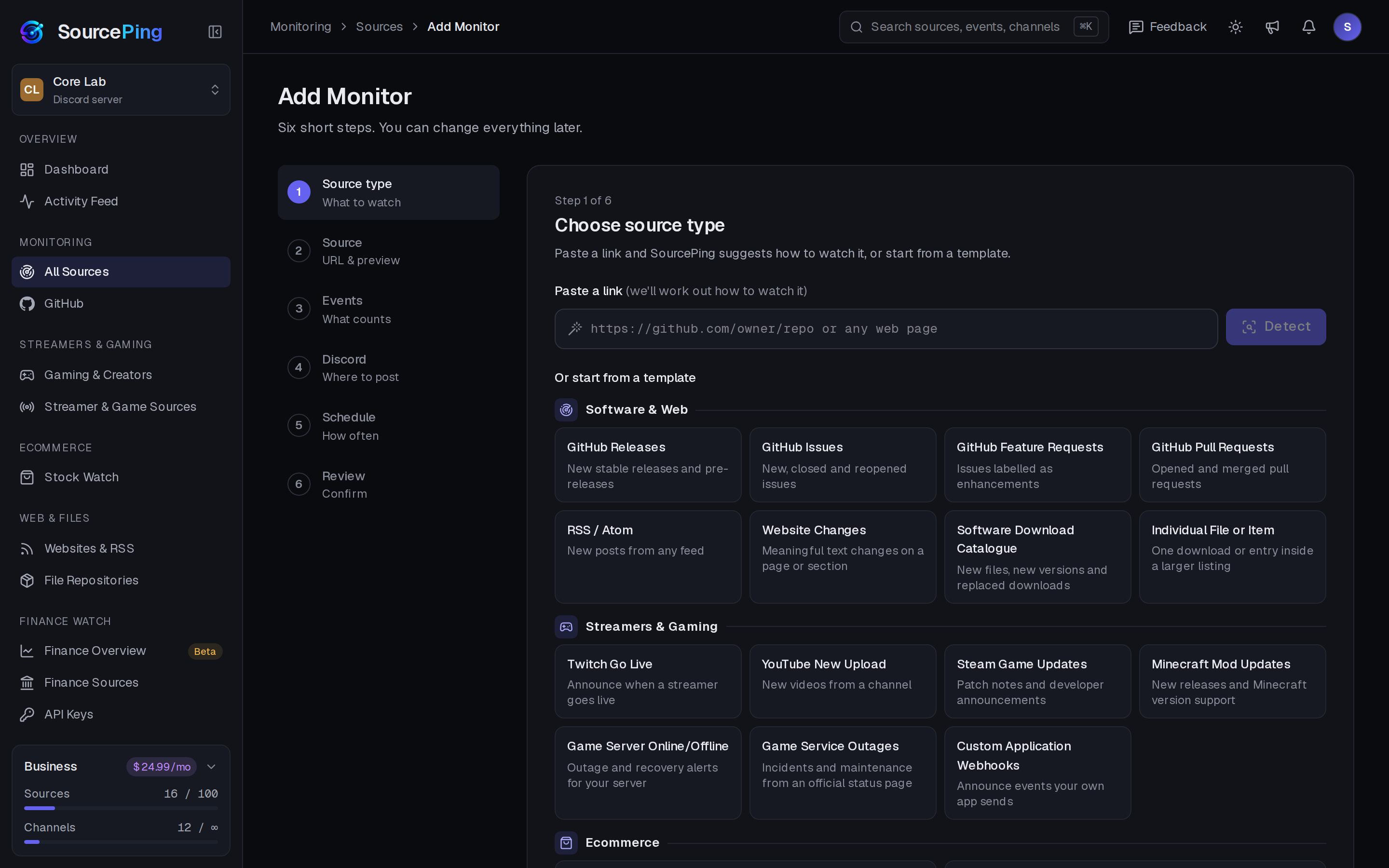
Pick Game Service Outages, paste the status page, choose events, components and channels, and review.
Which status pages are supported?
Status pages built on Atlassian Statuspage or a compatible format, such as discordstatus.com, status.epicgames.com and githubstatus.com. Riot, Roblox, PlayStation, EA, Ubisoft, Battle.net and Steam don't publish this format, so they can't be followed yet.
How often are status pages checked?
Every 15 minutes on Pro and as often as every 5 minutes on Business.
Can I only get alerts for part of a service?
Yes. Pick the components you care about, and only incidents that affect them are posted.
Does it watch my own game server?
That's Game Server Status, part of Business, which checks your Minecraft or Steam game server and posts offline, back online and player count alerts.
How much does it cost?
Twitch and YouTube alerts are included in the Free plan. The rest of Gaming & Creators is included in Pro ($5.99 USD a month) and Business ($24.99 USD a month) at no extra cost, billed per server through Whop. Every Discord server starts with 14 days of Pro, then drops to the Free plan unless you upgrade. No card needed.
What permissions does the bot need in Discord?
View Channels, Send Messages, Embed Links and Read Message History in the channels you choose. It never reads what your members write.
Know it's down before the questions start.
Add SourcePing to your server and follow your first status page in under two minutes.