
The RSS feed bot for Discord.
SourcePing posts new entries from any RSS or Atom feed to your Discord channels. Blogs, dev logs, changelogs and news, delivered where your community already talks.

Every feed, in the right channel.
Paste the address of any RSS or Atom feed and SourcePing checks it on a schedule. Each new entry is posted to the channel you choose, with its title, summary, author and link.
Entries that are edited after they are published can be announced too, so corrections and updates don't go unnoticed.
Follow as many feeds as your plan allows, filter entries by keyword, ping a role for the important ones, and send quieter feeds to a daily digest.
Set up an RSS feed in four steps.
Add the bot to your server, paste a feed and pick a channel.
- 01
Paste the feed URL
Any public RSS or Atom feed: a blog, a changelog, a news site, a podcast.
example.com/feed.xml - 02
Pick events
New entries, and optionally edits to entries that were already posted.
new entriesupdated entries - 03
Choose channels and pings
Send each feed to its own channel and ping a role for the posts that matter.
#dev-log@Events - 04
Set the schedule
Post each entry straight away, or collect them into an hourly or daily digest.
instantdaily digest
A feed reader for your whole server.
Everything you need to share feeds with a community, without the clutter.
RSS and Atom
Works with any standard RSS or Atom feed. Paste the URL and you're done.
Updated entries
Optionally announce entries that are edited after they were first published.
Keyword filters
Only post entries that match the keywords you choose, or skip the ones that don't belong.
Role pings
Ping a role for the feeds or posts that need attention.
Hourly and daily digests
Collect busy feeds into one digest message instead of a post per entry.
One channel per feed
Route each feed to its own channel, on one server or several.
Frequent checks
Pro checks feeds every 15 minutes and Business every 5 minutes.
No flood on day one
Adding a feed doesn't repost its archive. Only entries published after you add it are posted.
More than feeds
The same bot follows GitHub repositories, websites and download pages when a feed isn't enough.
Add a feed in a few clicks.
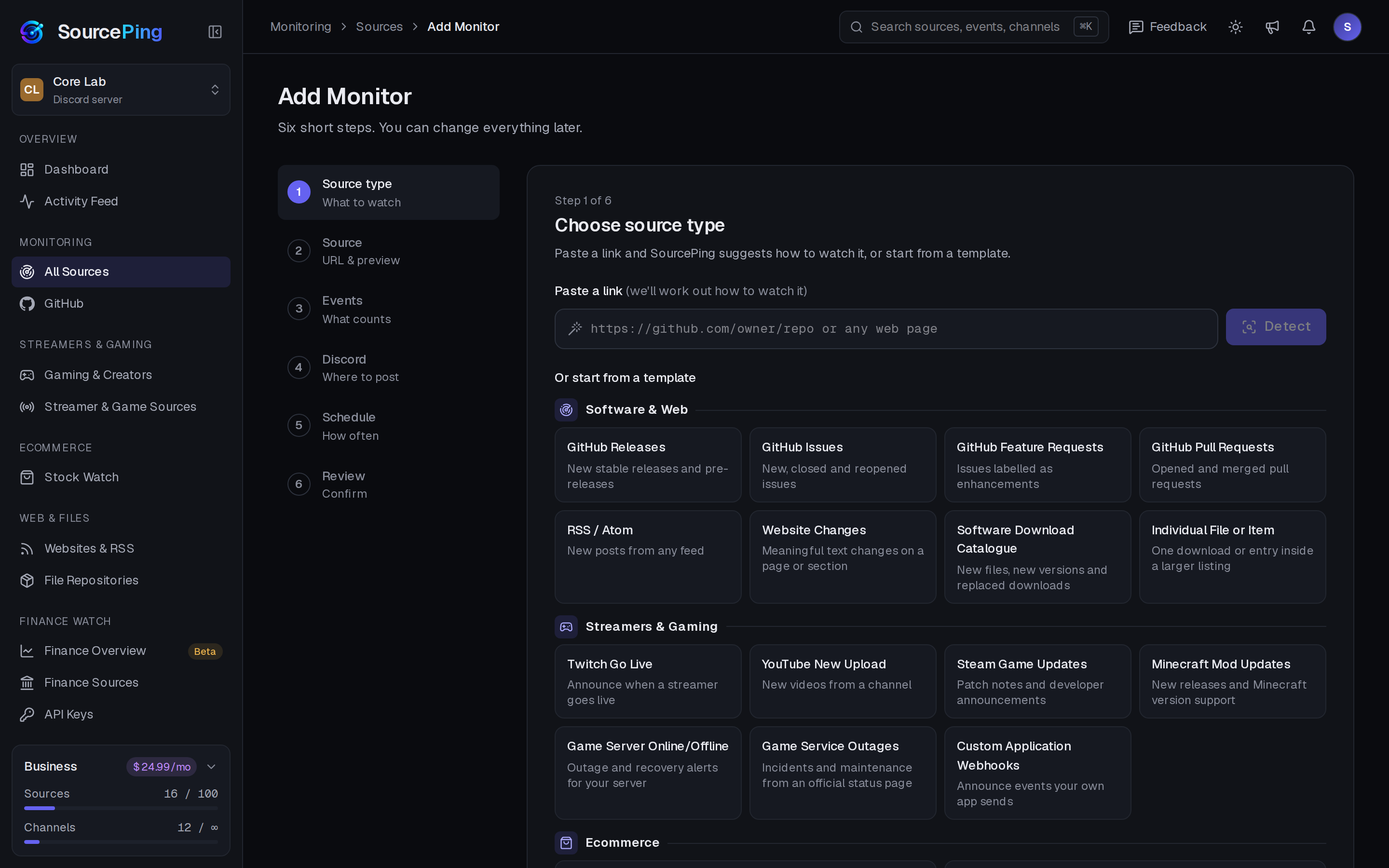
Pick RSS, paste the link, choose events and channels, set the schedule and review. Every setting is also a slash command.
How do I add an RSS feed to Discord?
Add SourcePing to your server, choose RSS, paste the feed URL and pick a channel. New entries are posted from then on.
Does it support Atom feeds?
Yes. RSS and Atom feeds both work.
How often are feeds checked?
Every 15 minutes on Pro and every 5 minutes on Business. You can also batch posts into hourly or daily digests.
Can I filter which entries are posted?
Yes. Keyword filters let you include or exclude entries, so only relevant posts reach your channel.
Will it flood my channel when I add a feed with a long archive?
No. The first check quietly records everything that already exists. Only changes after that are announced.
How much does it cost?
SourcePing has a Free plan, free forever: 3 sources (GitHub releases, RSS, YouTube or Twitch) checked hourly in one channel. Every Discord server starts with 14 days of Pro, then drops to the Free plan unless you upgrade. No card needed. Pro is $5.99 USD a month and Business is $24.99 USD a month, billed per server through Whop.
Bring your feeds to Discord.
Add SourcePing to your server and post your first RSS entry in under two minutes.