
Send your TradingView stock and crypto alerts to Discord.
Set alerts on any stock, ETF or coin in TradingView and forward them to the Discord channels you choose. SourcePing gives you a private alert address and a passphrase, so there is no TradingView login to share.
Factual alerts only, not financial advice.

Your alerts, in your channels.
TradingView can call a webhook when one of your alerts fires. SourcePing gives each TradingView monitor its own private address and a passphrase that goes in the alert message, so only your alerts are accepted.
Each alert is posted with its name, message, symbol and the values your alert sent, clearly labelled as coming from your alert. Values are shown as sent and are not verified by SourcePing.
Every alert received is kept in the monitor's delivery history for 30 days, with the reason if one was refused, and a Send test button checks your channel before the first real alert.
Set up TradingView alerts in five steps.
No TradingView username, password or session needed. TradingView webhooks need a paid TradingView plan and two-factor authentication.
- 01
Add the monitor
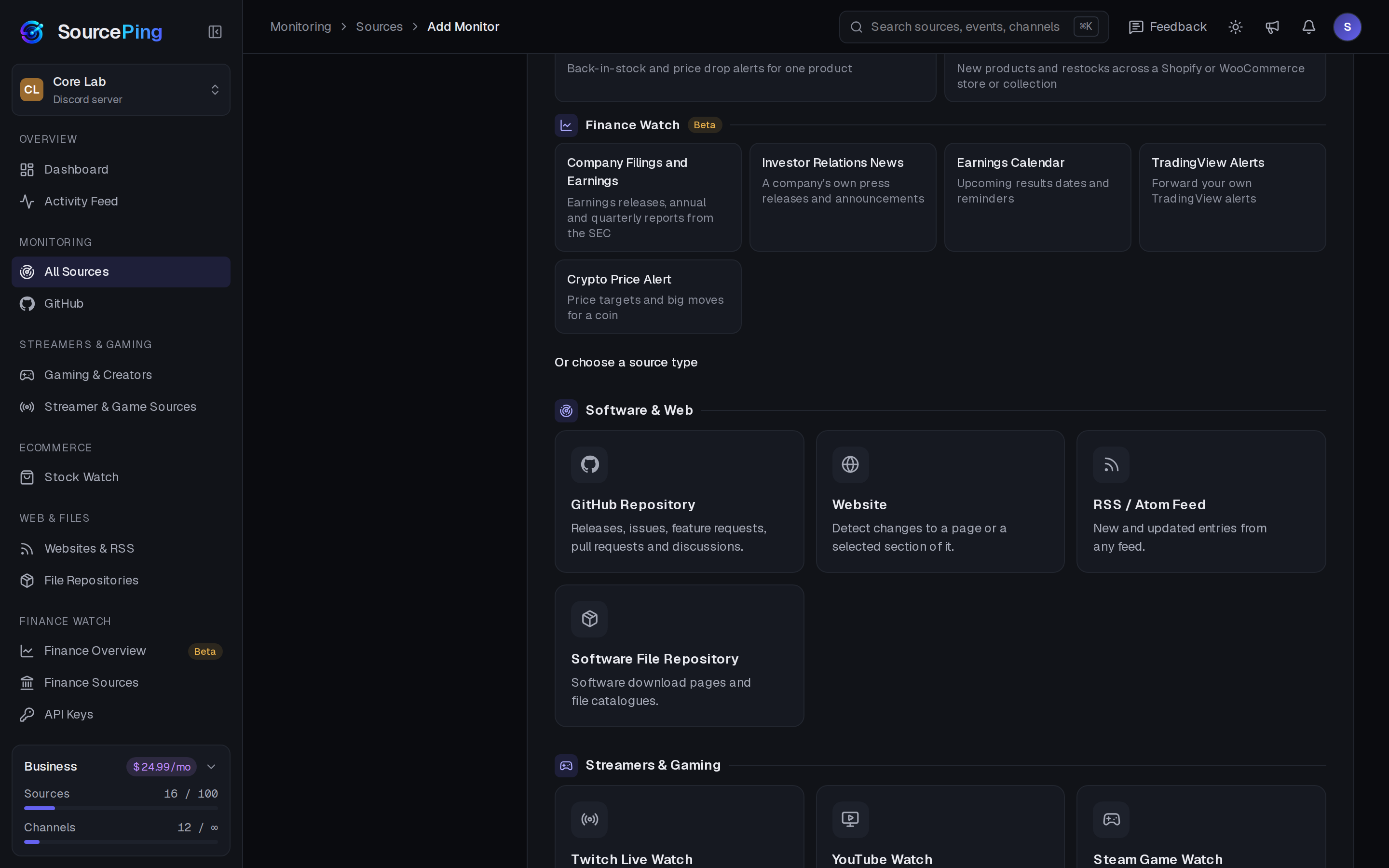
In SourcePing, choose Add Monitor, Finance Watch, TradingView Alerts. Pick channels and confirm you'll only forward your own alerts.
TradingView Alerts - 02
Copy the address and template
Open the monitor's TradingView tab and copy the alert address and the message template, which already contains your passphrase.
alert addresstemplate - 03
Add the webhook in TradingView
On the alert's Notifications tab, tick Webhook URL and paste the alert address.
Webhook URL - 04
Paste the message
Paste the template into the alert's Message box. TradingView fills in the ticker, exchange, interval and time when the alert fires. Write your own message text.
{{ticker}}{{timenow}} - 05
Send a test
Use Send test on the TradingView tab to check the channel, then wait for your alert. The delivery history shows every alert received.
Send test
Alert forwarding you can check.
For communities and teams that already use TradingView alerts and want them in Discord.
Private address and passphrase
Each monitor has its own random address, and every alert must carry your passphrase. Wrong passphrases are throttled.
Delivery history
Every alert received in the last 30 days, accepted or refused, with the reason for any refusal.
Test button
Send a test alert to your channel from the dashboard before you rely on it.
Clearly labelled
Announcements say they come from your alert, and show its values as sent.
Limits that protect your channel
Up to 20 alerts a minute and 500 a day per address, and repeated identical alerts are accepted once a day.
Your channels
Send alerts to the channels you choose, with role pings, quiet hours and digests like any other source.
Add TradingView alerts in a few clicks.
Pick the TradingView Alerts template, choose channels and confirm the terms. The address and message template are ready straight away.
Do I need to give SourcePing my TradingView login?
No. SourcePing never needs your TradingView username, password or session. Your alerts call a private address with your passphrase.
Can I use this for stock price alerts?
Yes. Create a price alert on any stock or ETF in your TradingView account and add the SourcePing webhook. SourcePing doesn't supply share prices itself, so the values shown come from your alert.
Which TradingView plan do I need?
TradingView webhooks need a paid TradingView plan and two-factor authentication on your TradingView account.
How many alert addresses do I get?
Pro includes 2 TradingView alert addresses and Business includes 10. Each address accepts up to 20 alerts a minute and 500 a day.
What if an alert doesn't arrive?
Check the delivery history on the monitor's TradingView tab: it lists every alert received in the last 30 days and why any were refused. TradingView doesn't retry failed webhooks, so an alert sent while SourcePing can't be reached is lost.
Is this financial advice?
No. SourcePing forwards your own alerts as you wrote them. Factual alerts only, not financial advice.
How much does it cost?
Finance Watch is in Beta and included in Pro ($5.99 USD a month) and Business ($24.99 USD a month) at no extra cost, billed per server through Whop. Every Discord server starts with 14 days of Pro, then drops to the Free plan unless you upgrade. No card needed.
Your alerts, where your community is.
Add SourcePing to your server and forward your first TradingView alert in a few minutes.