
YouTube upload notifications for Discord.
Share every new video from a YouTube channel with your Discord community. SourcePing posts new uploads to the channel you choose, usually within minutes of them going public.

New videos, where your community already hangs out.
Paste a YouTube channel link, @handle or channel ID. SourcePing listens for YouTube's push notifications for the channel's uploads, and checks the channel's official feed every 30 minutes as a fallback.
Each new video is posted once, with its title, the channel and a link to watch. Old videos that reappear in the feed are never announced, so adding a channel with years of uploads stays quiet.
Uploads, Shorts and published premieres all count as new videos. Livestream alerts for YouTube need the YouTube Data API and are listed separately from uploads.
Set up YouTube notifications in four steps.
Add the bot to your server, then pick the channel and where its videos should go.
- 01
Add the channel
Paste the channel link, @handle or channel ID. Any public channel works.
youtube.com/@channel - 02
Pick events
New videos, and optionally title changes to recent videos.
new videos - 03
Choose channels and pings
Post videos where your community watches and ping a role for new uploads.
#videos@Subscribers - 04
Set the schedule
Post each video as soon as it is found, or collect them into a daily digest.
instantdaily digest
Every upload, in the right channel.
For creators, fan servers and teams that want new videos in front of their community.
Every new upload
Uploads, Shorts and published premieres, each posted once with a link to watch.
Usually within minutes
YouTube's push notifications bring new videos in fast, with a regular feed check as a fallback.
No flood on day one
Adding a channel doesn't replay its back catalogue. Only videos published after you add it are posted.
Title changes
Optionally announce when a recent video is renamed.
Role pings
Ping a role for new uploads and leave quieter channels unpinged.
Many channels, one bot
Follow several YouTube channels and send each one to its own Discord channel.
Add a YouTube channel in a few clicks.
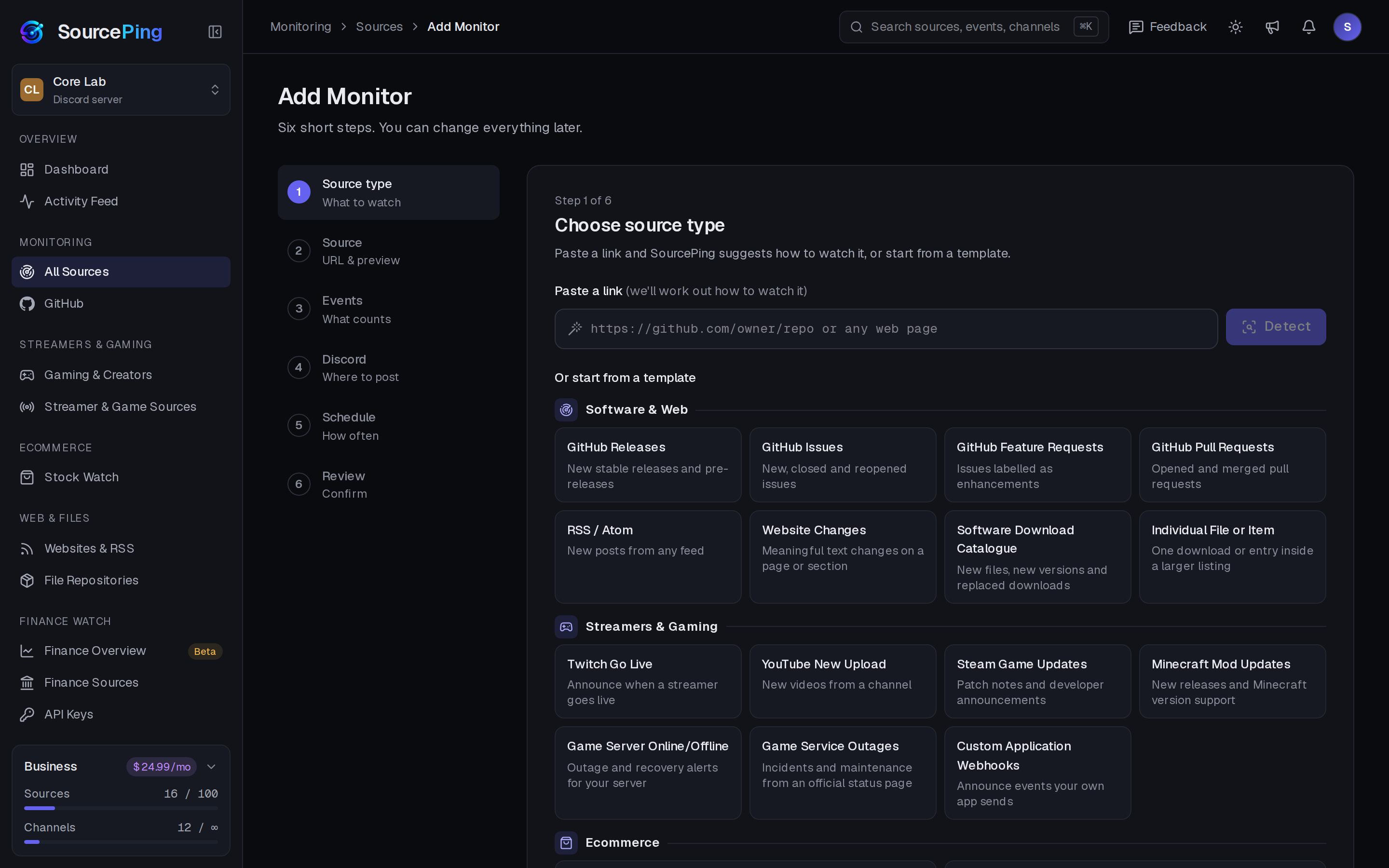
Pick YouTube Watch, paste the channel link, choose events and channels, and review. Every setting can be changed later.
How do I post new YouTube videos in Discord?
Add SourcePing to your server, choose YouTube Watch in Add Monitor, paste the channel link and pick a channel. New videos are posted from then on.
How fast are new videos posted?
Usually within minutes. SourcePing uses YouTube's push notifications for the channel and checks its official feed every 30 minutes as a fallback.
Can it announce YouTube livestreams?
Livestream alerts for YouTube need the YouTube Data API and are listed separately from uploads. New uploads, Shorts and published premieres work without it.
Do I need to own the channel?
No. Any public YouTube channel works, using its link, @handle or channel ID.
Will it flood my channel when I add a channel with hundreds of videos?
No. The first check quietly records everything that already exists. Only changes after that are announced.
How much does it cost?
Twitch and YouTube alerts are included in the Free plan. The rest of Gaming & Creators is included in Pro ($5.99 USD a month) and Business ($24.99 USD a month) at no extra cost, billed per server through Whop. Every Discord server starts with 14 days of Pro, then drops to the Free plan unless you upgrade. No card needed.
Bring your videos to Discord.
Add SourcePing to your server and post your first YouTube video in under two minutes.